AstroGuide launch

A calmer way to understand the night sky.

Over the past few months, I built AstroGuide to help newer astrophotographers, like me, better understand the amazing, beautiful, wondrous night sky we all get to share.

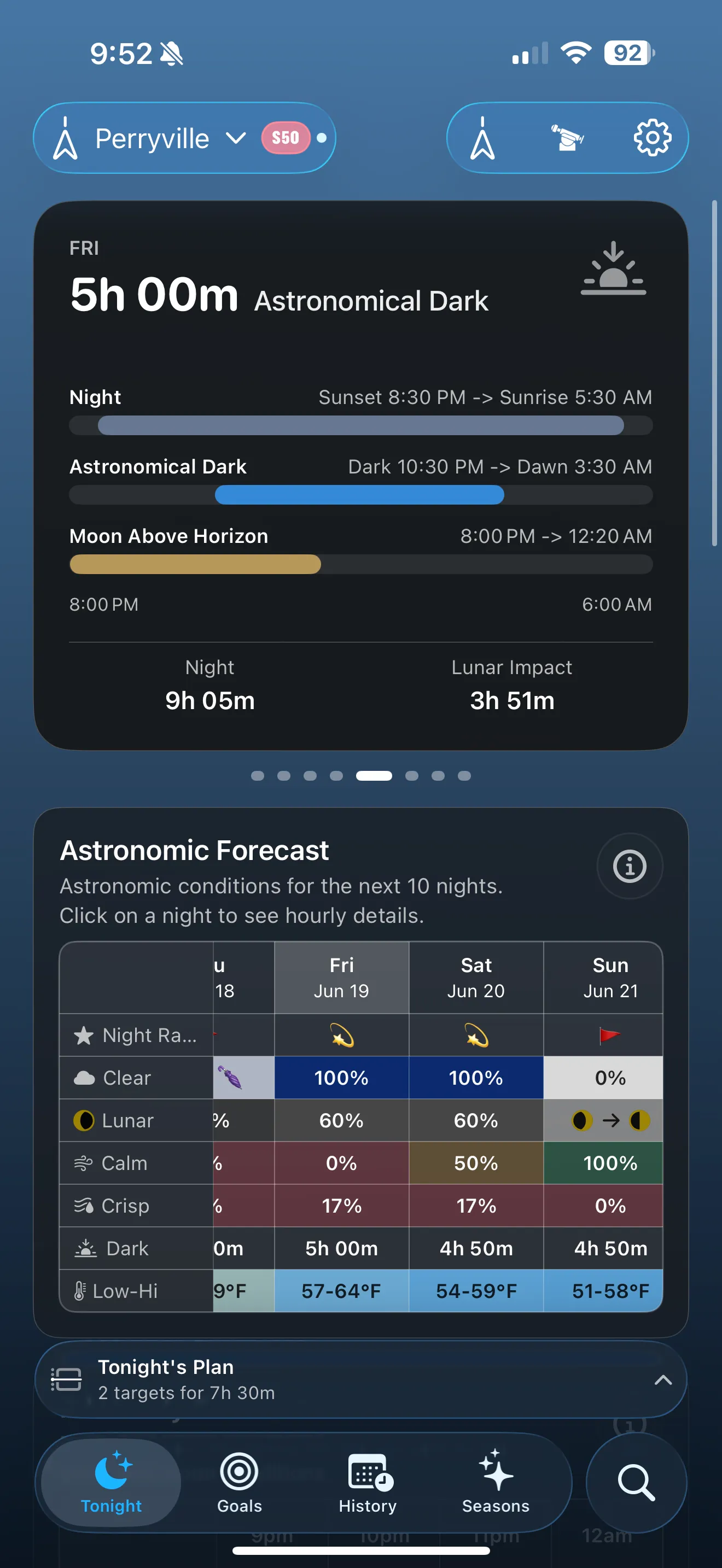
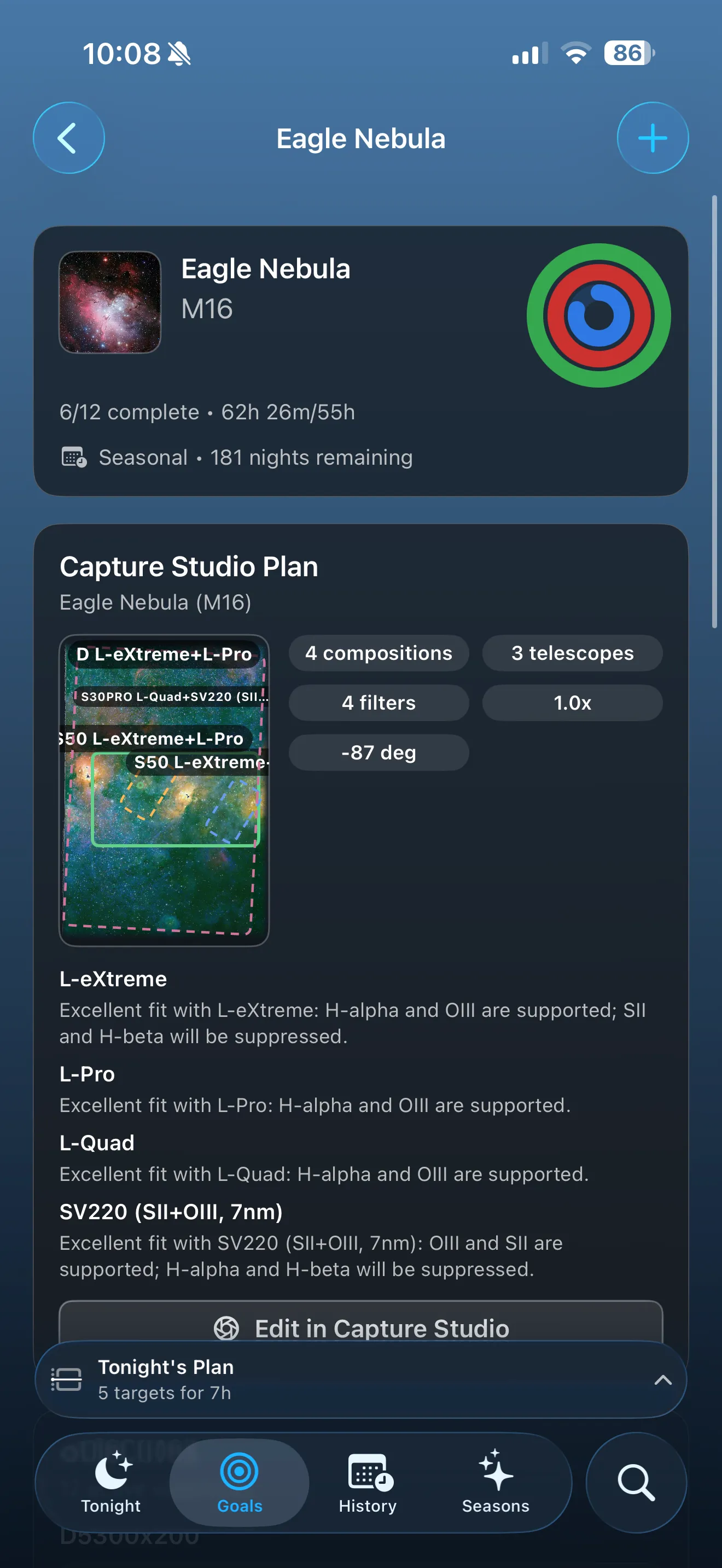
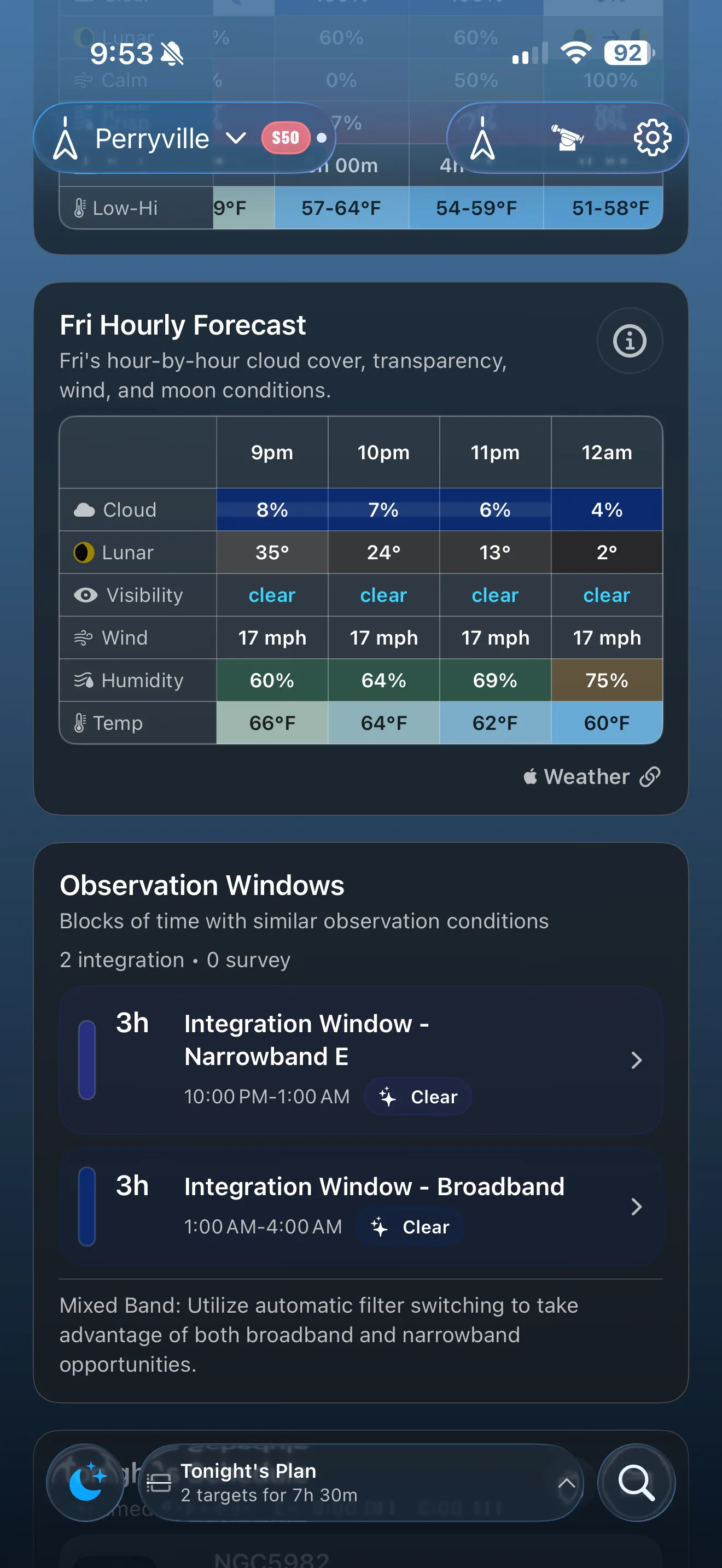
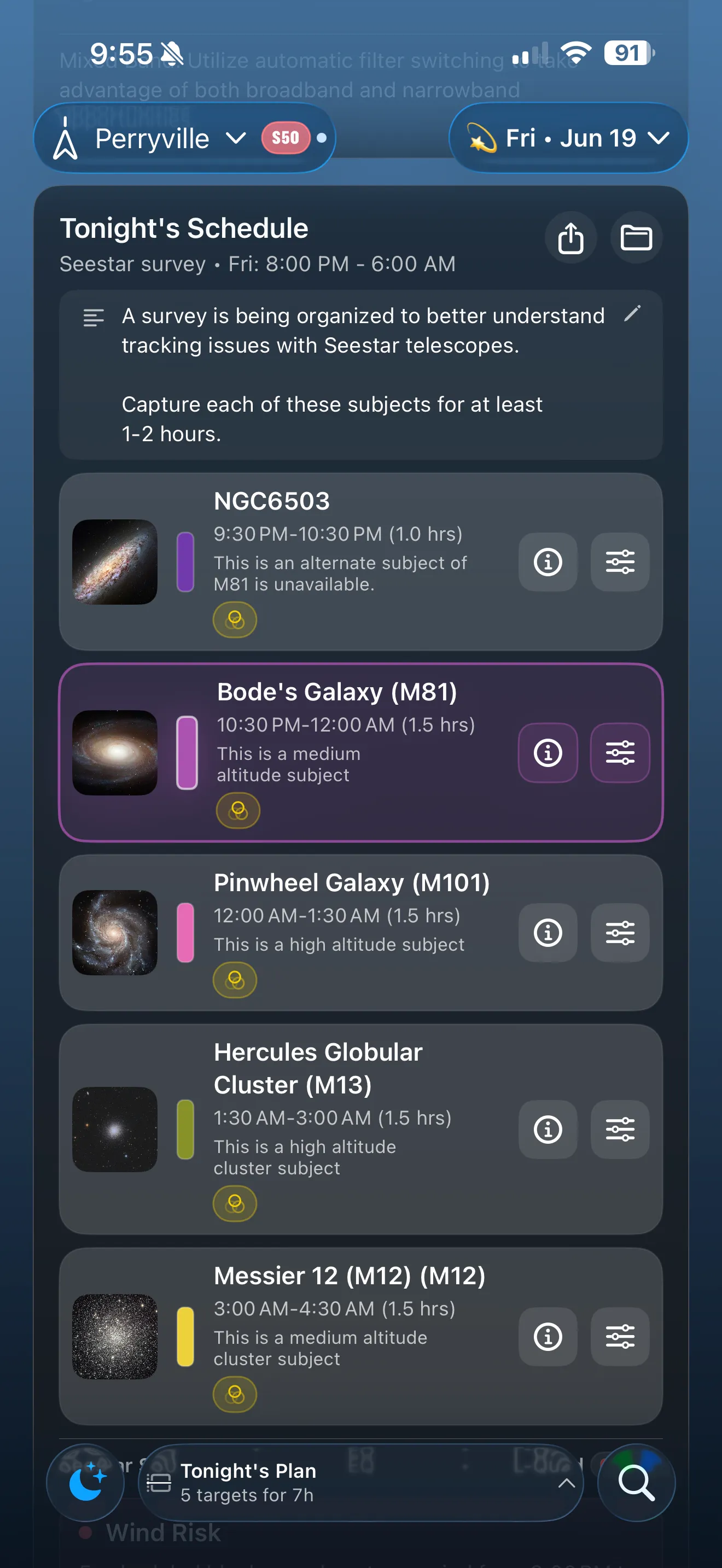
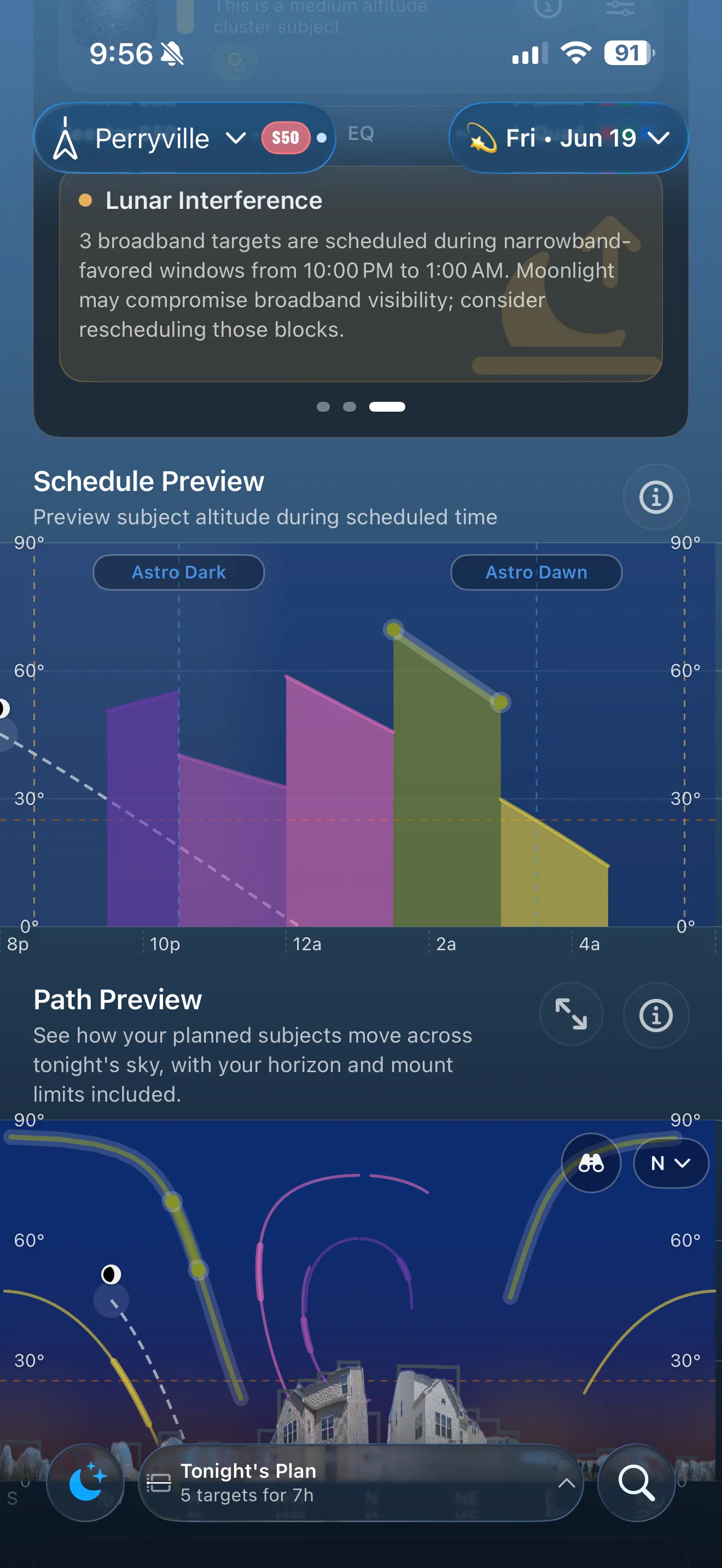
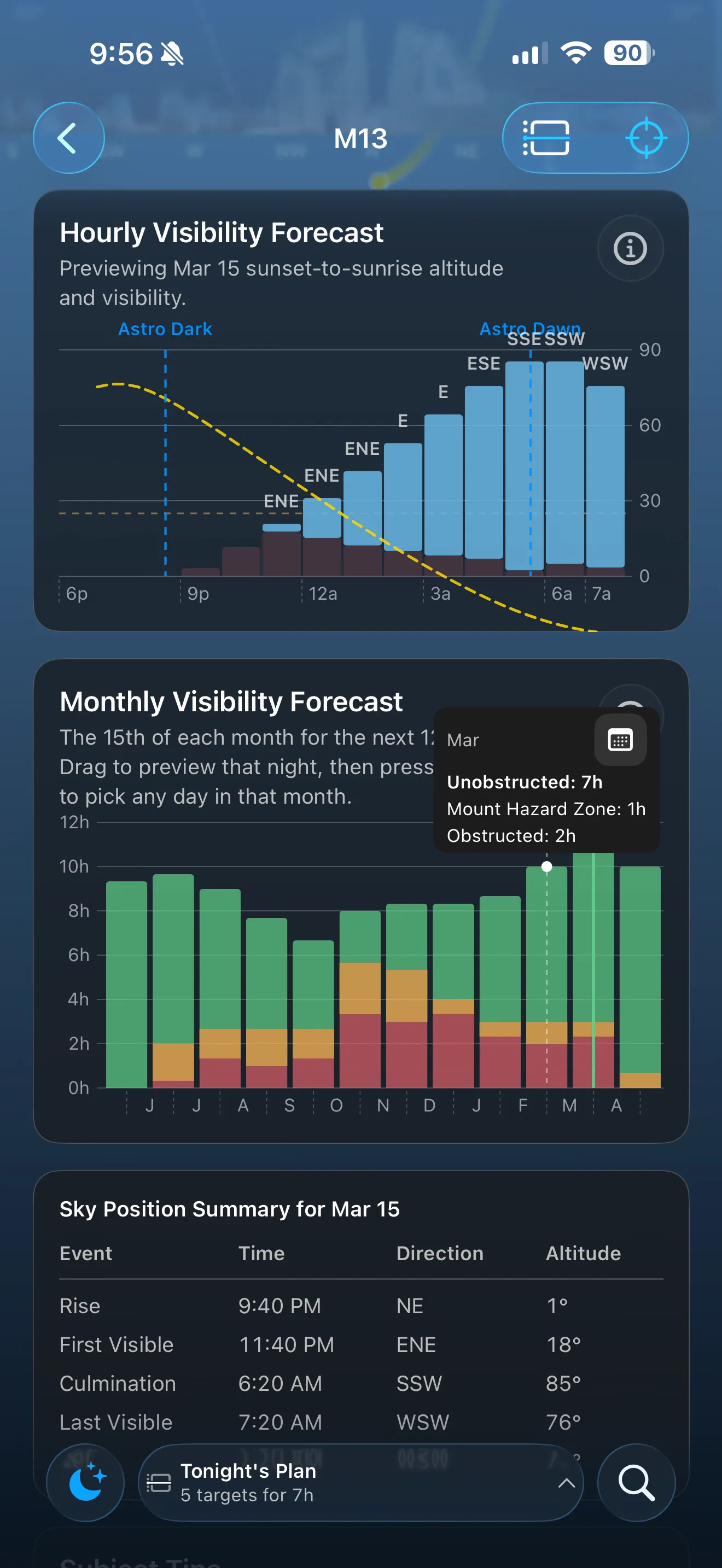
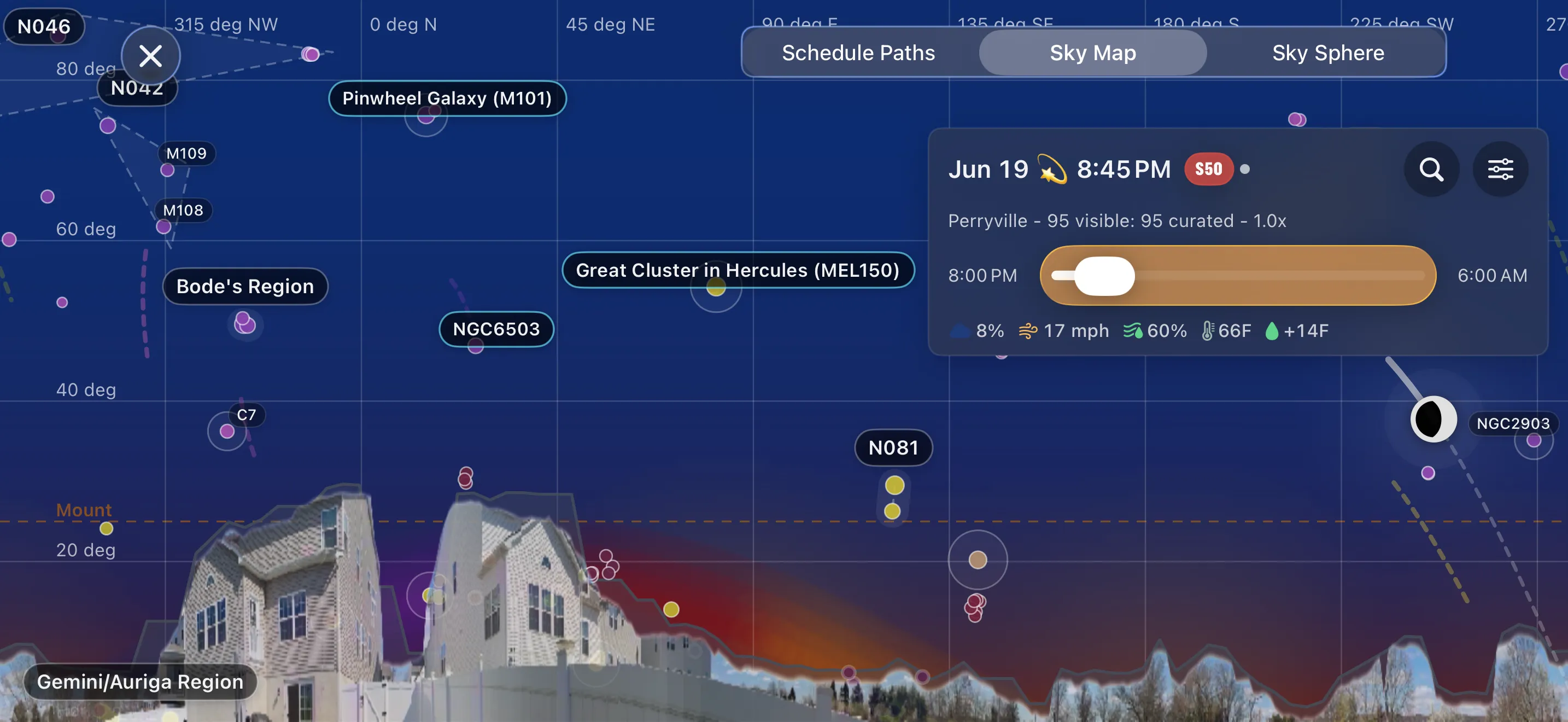
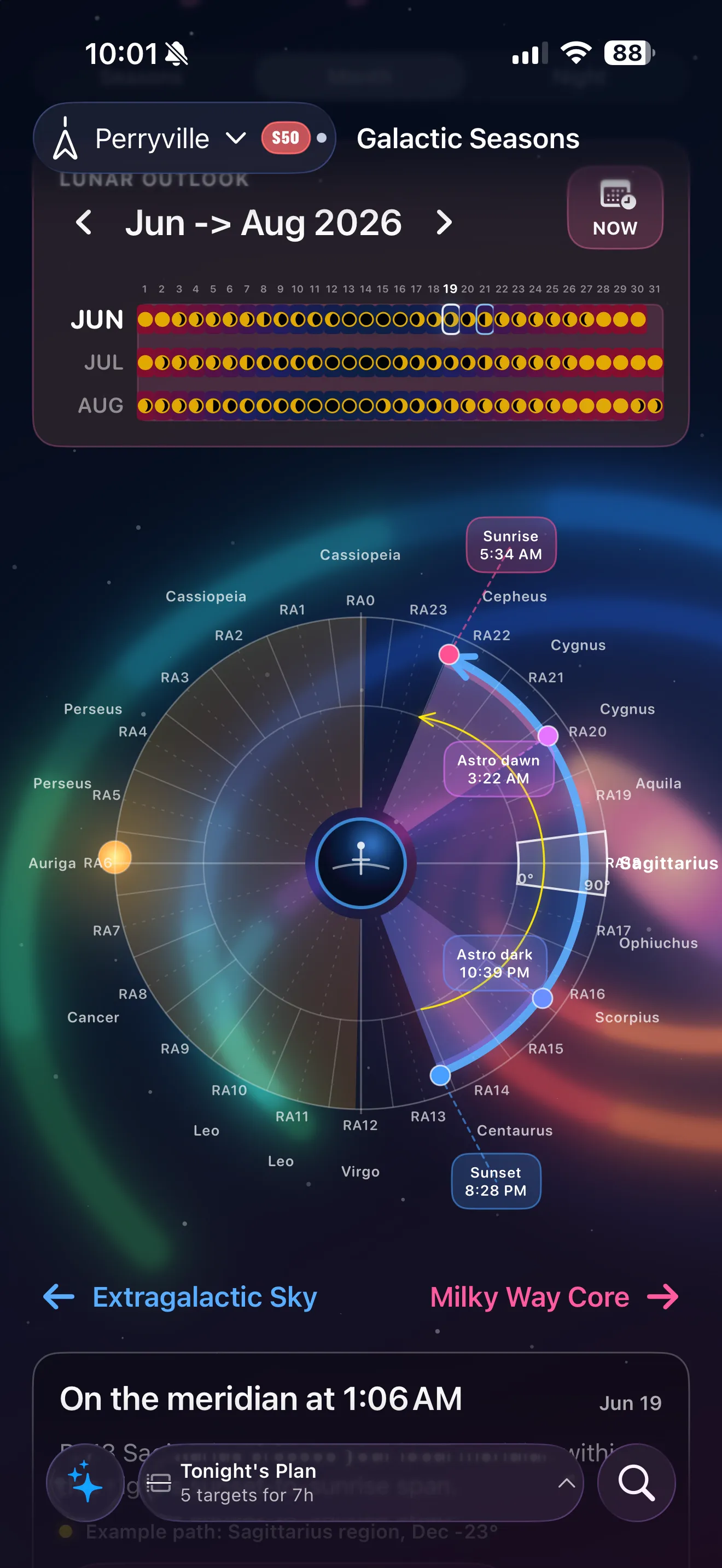
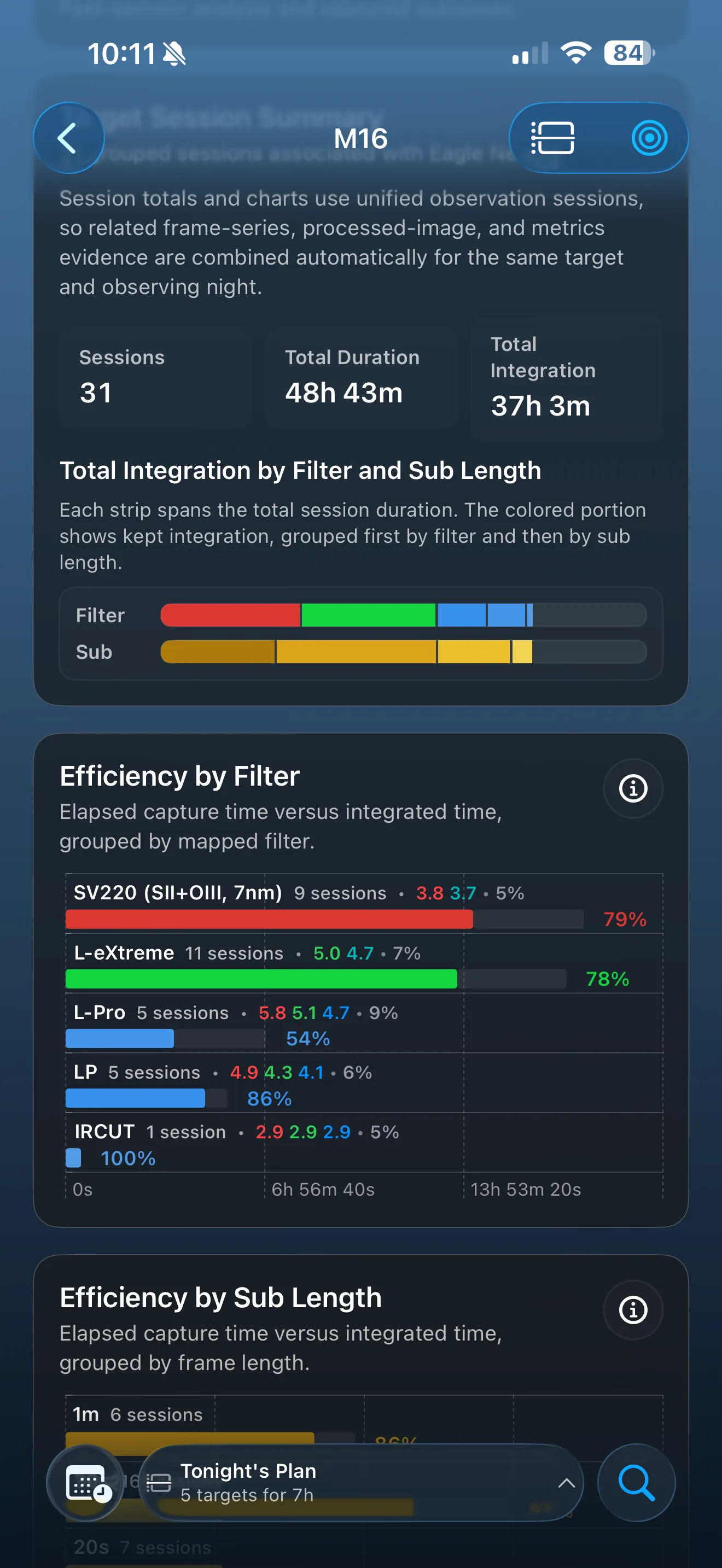
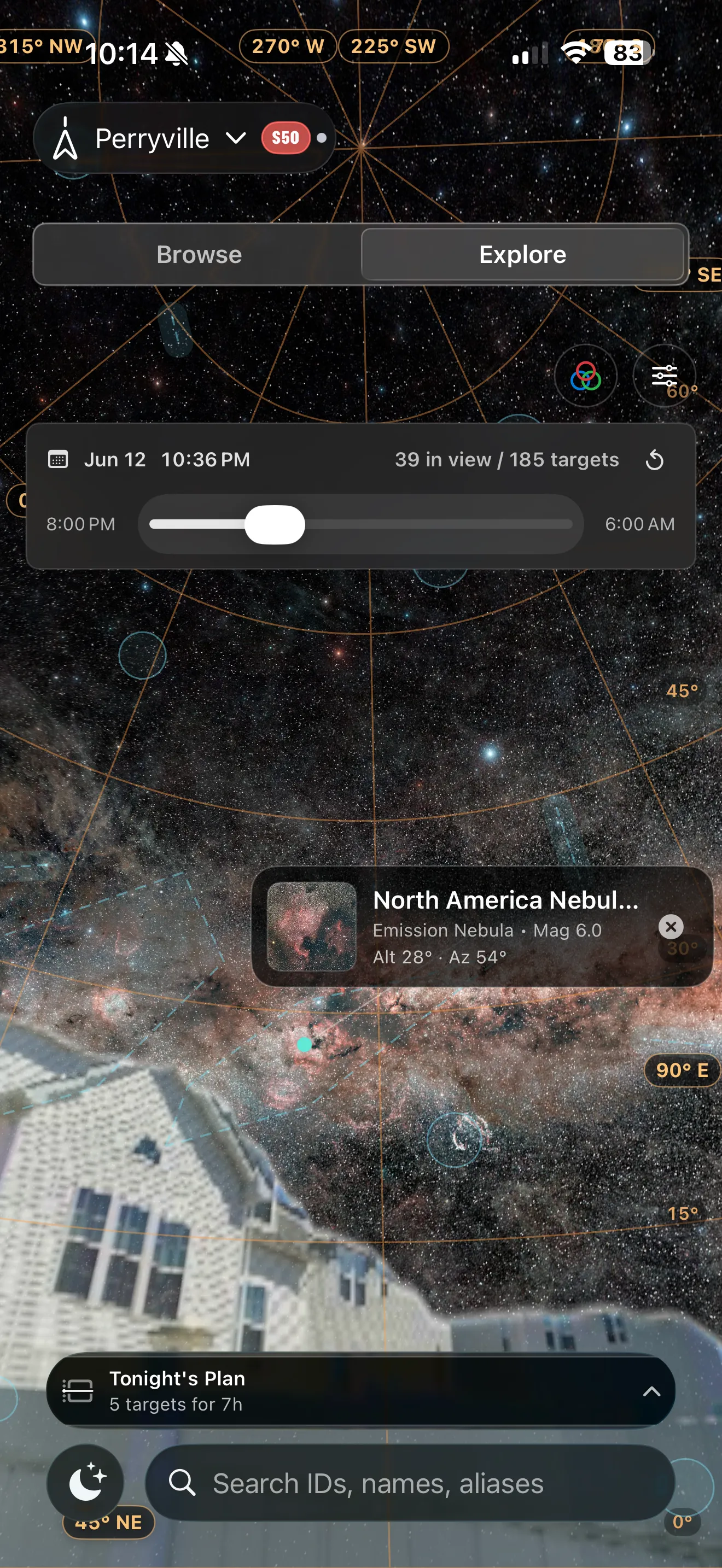
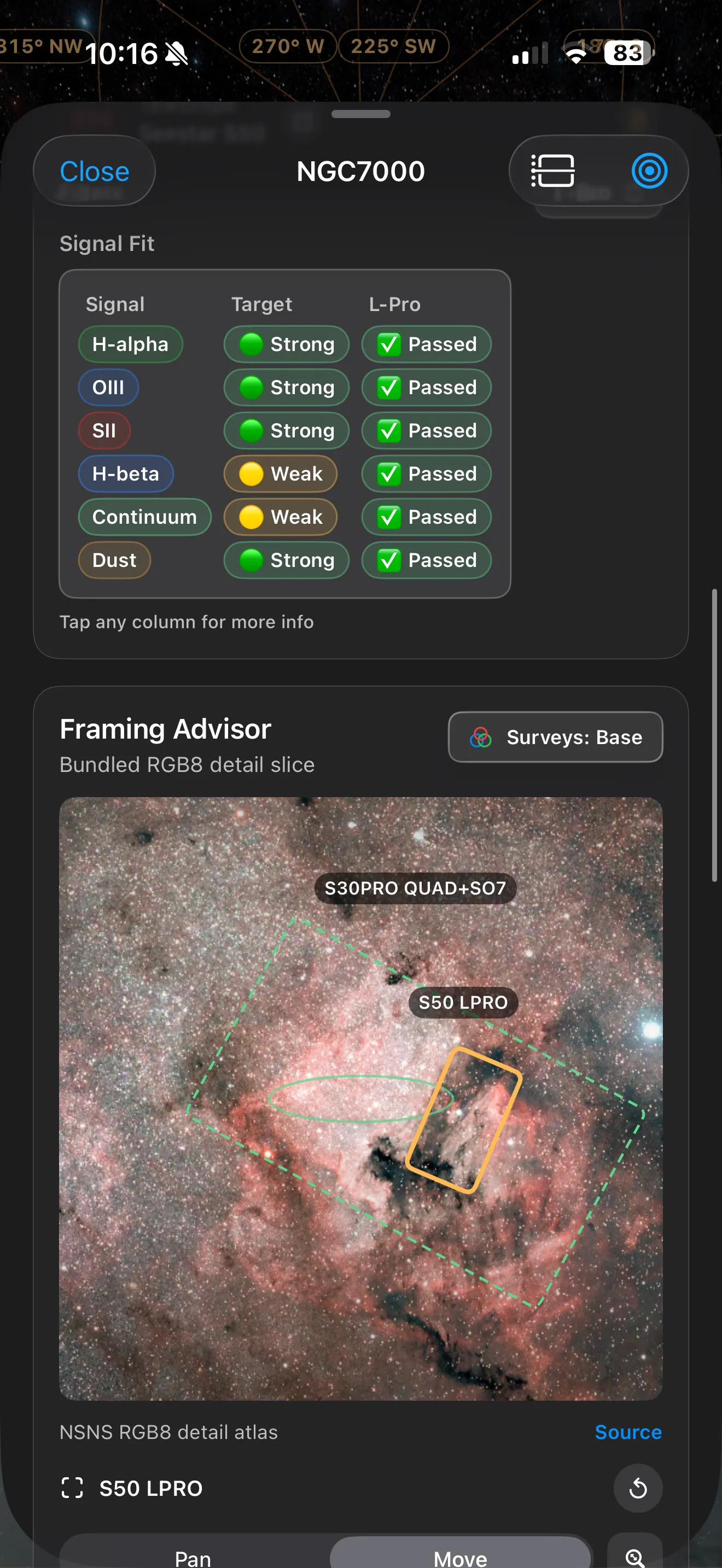
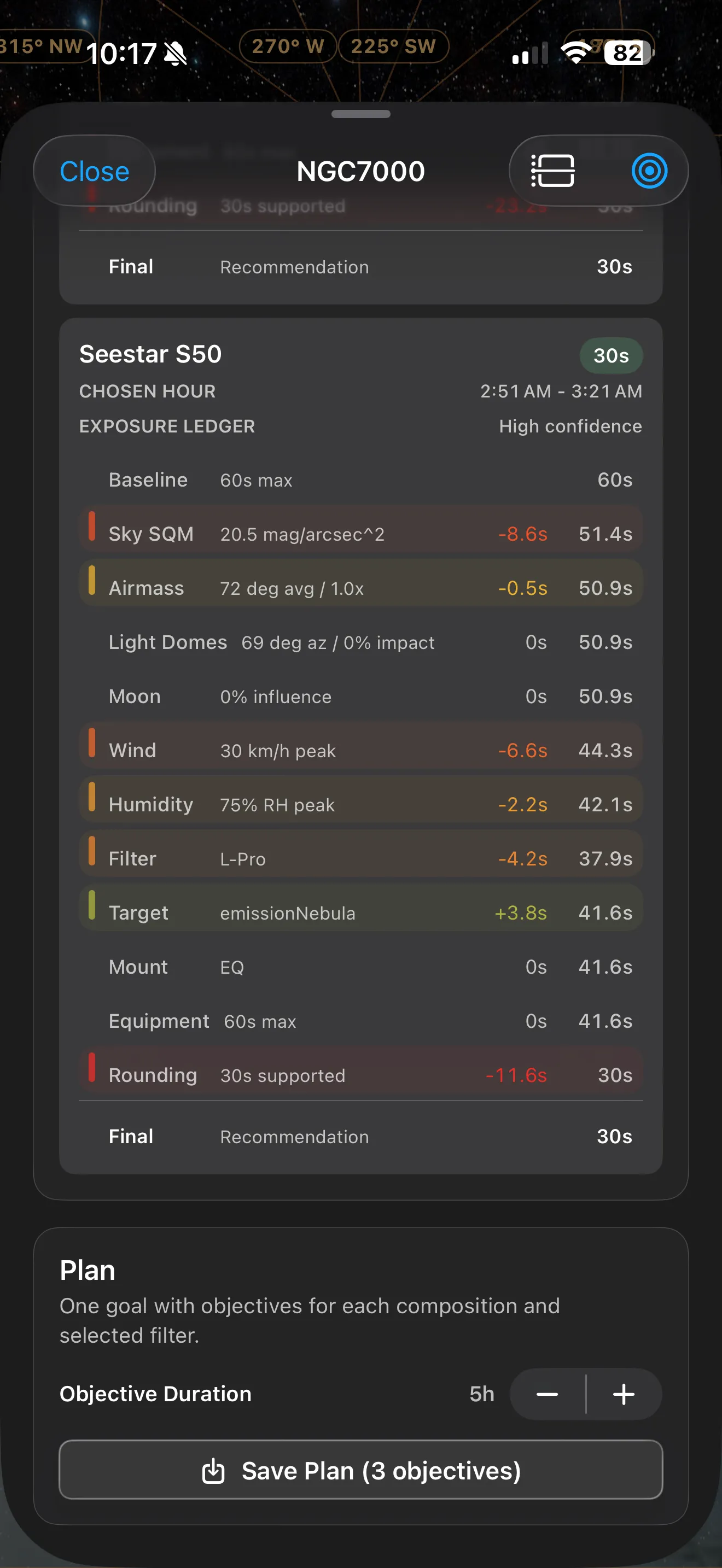
AstroGuide launch screen showing night planning context. AstroGuide launch screen showing goals and objectives.

Through interactive graphs, charts, diagrams, sky views, and planning tools, AstroGuide helps build a practical understanding of motion across the sky, lunar and galactic cycles, seasonal visibility, our own galaxy, and beyond.

I have been incredibly fortunate to have an active, involved beta community of nearly 300 smart-telescope users and astrophotographers. I am happy to finally release AstroGuide to the broader community.

Built around a practical workflow

Understand the night, plan with intent, then learn from what happened.

AstroGuide is especially useful for Seestar users, but it is built around a broader smart-telescope workflow: understand the changing conditions at your observing site, evaluate each night, choose subjects that fit your real sky and equipment, plan with intent, then learn from what happened afterward.
The first question

What kind of night do you actually have?

From there, AstroGuide helps you make calmer, more informed choices based on weather, moonlight, sky brightness, altitude, local obstructions, equipment, filters, framing, available time, and dozens of other factors.

The hardest part of astrophotography is not always collecting data; the telescope itself does much of the hard work. The harder part is understanding how to make the best use of the limited time you have, and being ready to act when good opportunities appear.

AstroGuide helps you set longer-term goals and objectives, then plan tonight's sequence around tonight's actual conditions.

For newer astrophotographers

Approachable without being watered down.

For beginners, the goal is to make astrophotography feel more approachable without dumbing it down. AstroGuide explains what it is seeing, why a subject may or may not fit the night, and when an idea is better saved for a future window.

For deeper planning

More context when you want it.

For more experienced imagers, there is more depth: sky atlas views, path previews, horizon and panorama context, Capture Studio framing tools, filter-aware planning, equipment kits, explained sub-exposure recommendations, and direct session import for image and session diagnostics.

A few things AstroGuide can help with

A planning system for the whole smart-telescope loop.

  • See whether tonight is strong, limited, or better used for planning or review.
  • Find the best hours for observing before you set up.
  • Browse and search deep-sky subjects with planning-aware context.
  • Preview subject paths in Sky Map and Sky Sphere views.
  • Use site obstructions, horizon files, and panoramas to understand when a subject will actually be visible.
  • Simulate framing for 20+ smart telescopes.
  • Compare filters and understand sub-exposure recommendations.
  • Build longer-term goals for subjects that deserve better conditions.

Still early, moving clearly

Help shape what AstroGuide becomes.

If you use a Seestar, Dwarf, Origin, Vespera, or another smart telescope, I would love for you to try AstroGuide and tell me what makes sense, what feels confusing, and what would make your planning or review workflow better.

Most AstroGuide features are free. AstroGuide Pro supports advanced planning features and helps fund ongoing development and operating costs.

If AstroGuide becomes profitable, I plan to donate a portion of proceeds to open-source projects vital to our community, including Siril and N.I.N.A., as well as to Dark Sky International, which works with communities, parks, municipalities, and the public to certify and protect dark skies for future generations.